
As an Amazon Associate, I earn from qualifying purchases.
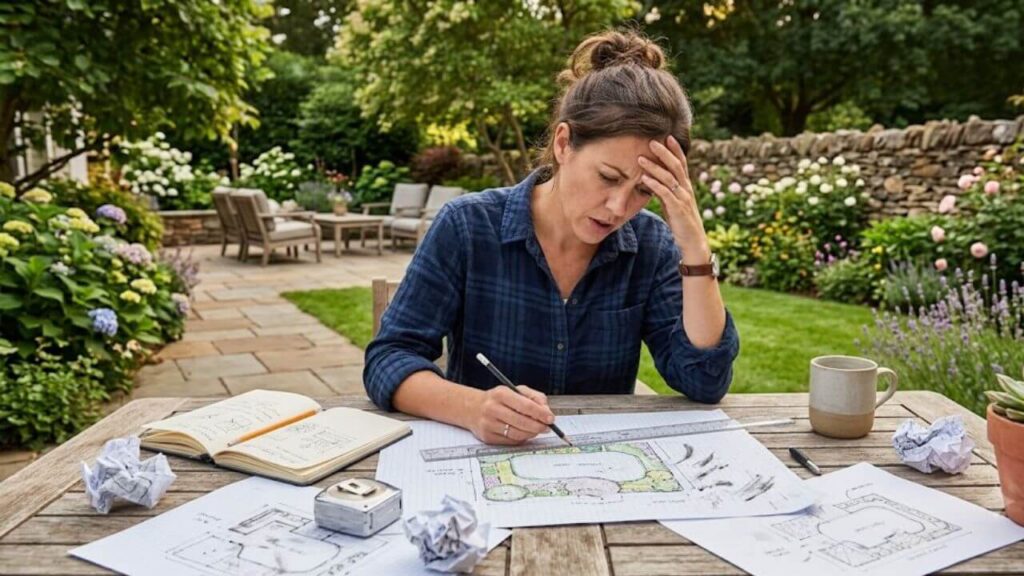
The first time I tried redesigning a backyard, I grabbed graph paper, a ruler, and a pencil. That worked for about twenty minutes.
Every time I moved a patio, shifted a walkway, or changed a flower bed, I had to erase half the drawing and start over. That frustration pushed me to look for the best free landscape design software I could find.
Some programs felt like they were built for architects. Others locked the useful features behind expensive subscriptions. A few turned out to be surprisingly helpful for normal homeowners who simply wanted to avoid costly mistakes before buying materials.
If you are planning a patio, vegetable garden, planting bed, outdoor kitchen, or complete backyard makeover, the right software can save both time and money.
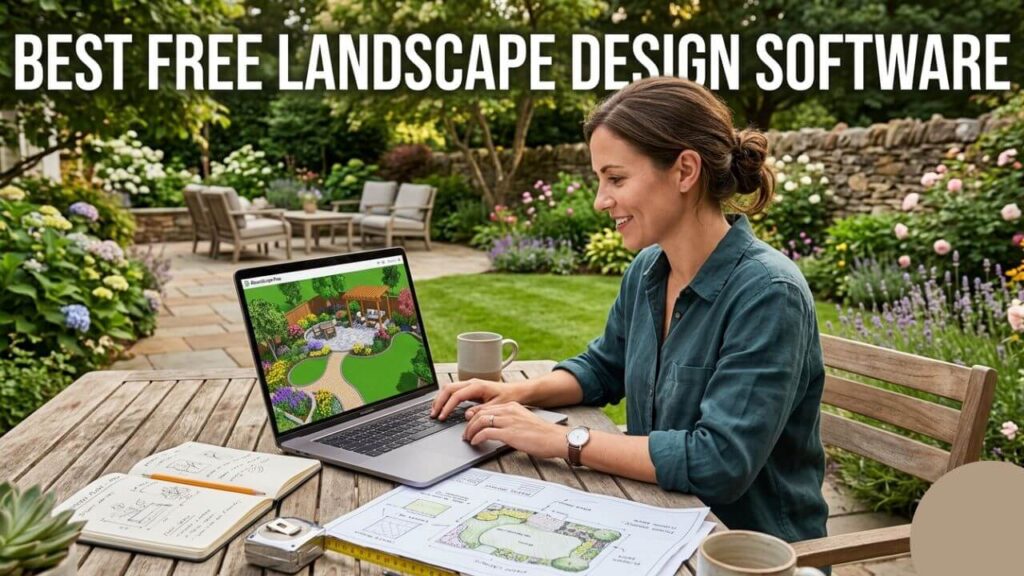
Why Landscape Design Software Matters More Than Most People Think
Many people assume landscape software exists to create pretty pictures.
That is only part of the story.
The real value comes from avoiding expensive decisions after construction begins.
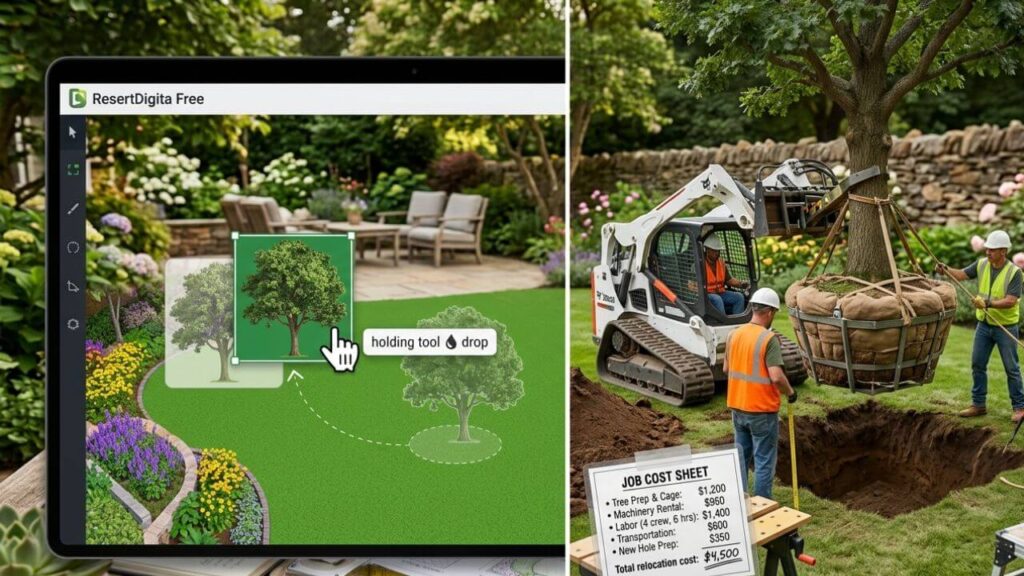
Moving a tree with a mouse costs nothing.
Moving it after planting can cost hundreds of dollars.
The same applies to patios, retaining walls, walkways, and irrigation systems.
| Problem | Software Helps By |
| Patio feels too small | Test multiple sizes |
| Plants block pathways | Move them instantly |
| Budget uncertainty | Estimate materials |
| Poor traffic flow | Improve layout early |
The larger the project becomes, the more valuable planning becomes.
What Makes the Best Free Landscape Design Software?
After testing several options, I stopped caring about flashy features.
I wanted tools that solved real homeowner problems.
| Feature | Why It Matters |
| Drag-and-drop editing | Faster learning |
| 3D visualization | Better scale awareness |
| Plant libraries | Easier planning |
| Browser access | No installation needed |
| Free version | Lower risk |
If a program takes longer to learn than the landscaping project itself, it probably is not the right tool for most homeowners.
The Biggest Lesson I Learned About Backyard Planning
I discovered something surprising after trying several design programs.
I was terrible at judging scale.
On paper, my patio looked huge.
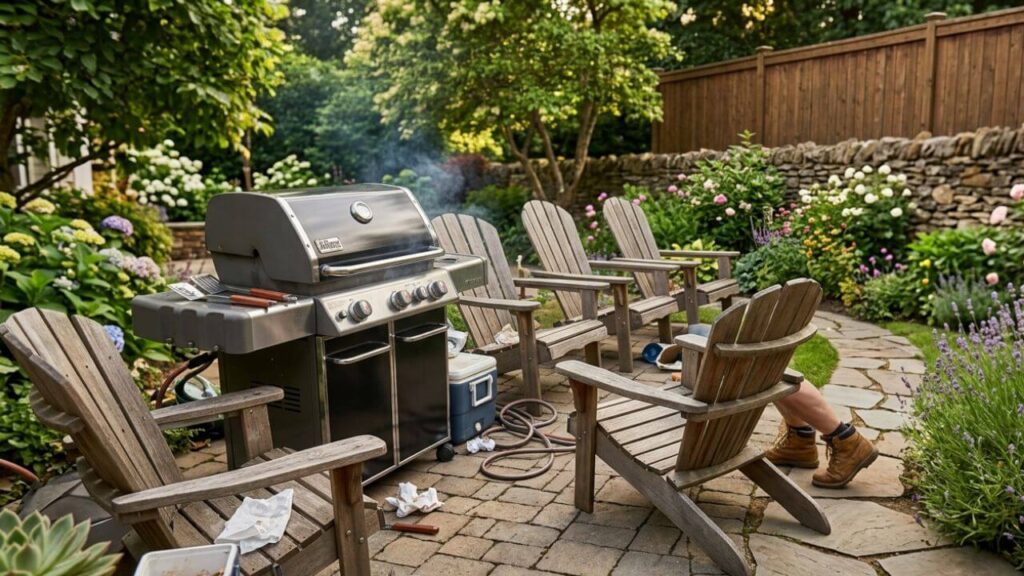
In real life, the grill blocked the chairs and the chairs blocked the walkway.
The software exposed mistakes that I never noticed in sketches.
| Design Element | Looked Fine on Screen | Problem in Reality |
| Patio size | Spacious | Too small |
| Walkway width | Comfortable | Too narrow |
| Plant spacing | Balanced | Too crowded |
That lesson alone justified the time spent learning the software.
Best Free Landscape Design Software for Beginners
Most homeowners do not need professional CAD software.
They need simple tools that work.
Canva surprised me the most
I almost ignored Canva completely.
Most people associate it with social media graphics rather than landscaping.
Its templates worked surprisingly well for quick backyard layouts, planting beds, and patio concepts.
The biggest advantage was speed.
I could sketch ideas in minutes instead of hours.
Planner 5D changed how I viewed outdoor spaces
Planner 5D was the first software that showed me how misleading paper drawings can be.
Walking through a virtual backyard in 3D changes your perspective immediately.
You notice narrow walkways, awkward seating arrangements, and oversized structures much faster.
For patios and outdoor living spaces, 3D views become incredibly valuable.
Garden-focused planners worked better for planting projects
Some software focuses heavily on buildings and hardscaping.
Others understand plants better.
For vegetable gardens, pollinator beds, and ornamental planting areas, garden planners felt more practical because they included spacing recommendations and mature plant sizes.
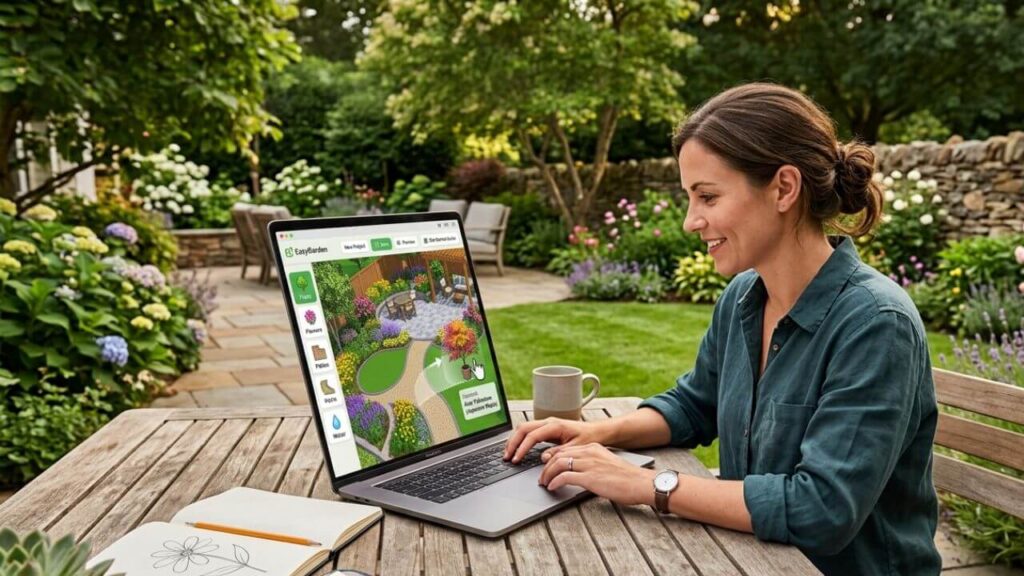
Which Type of Software Works Best for Different Projects?
Not every project requires the same tool.
Simple projects work perfectly with simple software.
Large projects benefit from more advanced features.
| Project Type | Best Software Style |
| Flower beds | Simple 2D planner |
| Vegetable gardens | Garden planner |
| Patio design | 3D planner |
| Outdoor kitchen | Detailed 3D software |
| Full backyard redesign | Hybrid approach |
Choosing software that matches the project saves a lot of frustration.
2D Versus 3D Landscape Design Software
At first, I assumed every project needed 3D software.
That turned out to be wrong.
For a simple planting bed, 2D works perfectly.
For patios and outdoor living areas, 3D becomes extremely useful.
| Project | Best Choice |
| Shrub borders | 2D |
| Vegetable garden | 2D |
| Patio installation | 3D |
| Outdoor entertainment space | 3D |
The more expensive the project becomes, the more valuable 3D visualization becomes.
The Hidden Frustrations Nobody Talks About
Landscape software reviews rarely mention these problems.
Plant libraries can disappoint
One program may include dozens of maple trees but not a single native shrub for your region.
That becomes frustrating quickly.
Scale mistakes still happen
Software improves accuracy, but it cannot replace measurements.
I once designed a patio that looked fantastic in 3D.
After measuring in real life, I realized the dining chairs would block the grill.
Free software has limits
Many free tools restrict exports, project sizes, or advanced features.
That is not always a deal breaker, but it matters.
| Limitation | Real-World Impact |
| Watermarks | Harder to share plans |
| Smaller libraries | Fewer design options |
| Limited exports | Printing becomes harder |
| Locked features | Upgrade pressure |
For smaller projects, these limits rarely become serious problems.
The Planning Process That Finally Worked for Me
After several projects, I developed a simple routine.
It reduced mistakes and improved every design.
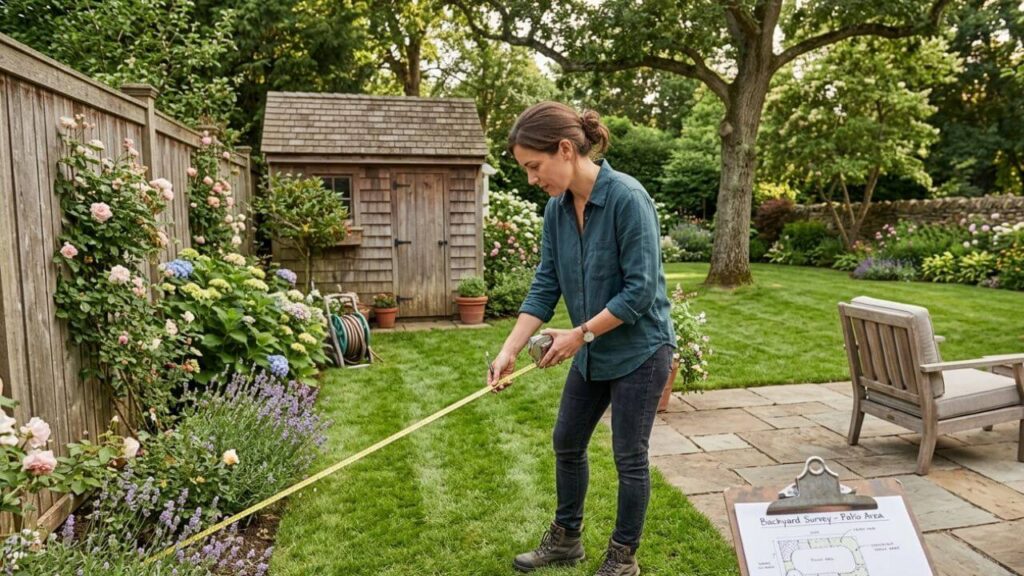
Step 1: Measure everything first
Guessing measurements creates bad plans.
Measure fences, patios, sheds, utility boxes, trees, and driveways.
Step 2: Add permanent features first
The house stays where it is.
The driveway stays where it is.
Design around them.
Step 3: Build hardscape before plants
Walkways, patios, and retaining walls determine how people move through the yard.
Plants become easier once those decisions are made.
Step 4: Review the design the next day
This sounds strange.
It works surprisingly well.
Problems that seemed invisible at night often become obvious in the morning.
Common Mistakes Beginners Make
The software rarely causes the problems.
The user usually does.
I certainly did.
| Common Mistake | Better Approach |
| Designing before measuring | Measure first |
| Adding too many features | Simplify the layout |
| Ignoring mature plant size | Plan for growth |
| Copying magazine photos | Design for your lifestyle |
| Forgetting maintenance | Think long term |
The mature plant size mistake catches almost everyone at least once.
Small shrubs rarely stay small.
Landscape Software Cannot Solve Bad Plant Choices
This surprised me more than anything else.
A perfect design still fails if the plants cannot survive your climate.
A desert garden that thrives in Arizona may struggle in Minnesota.
A northern woodland planting may fail in Texas.
| Climate Challenge | Better Plant Strategy |
| Drought | Native species |
| Harsh winters | Cold-hardy plants |
| Heavy shade | Shade-tolerant plants |
| Coastal salt spray | Salt-tolerant varieties |
Good design software helps with layout.
Plant knowledge still matters.
When Free Software Is Enough
Many homeowners wonder if they eventually need professional software.
For most backyard projects, the answer is no.
Free tools handle many residential projects extremely well.
They work especially well for:
- Garden beds
- Patios
- Walkways
- Lawn layouts
- Outdoor seating areas
- Vegetable gardens
Professional software becomes more useful for contractors and large commercial projects.
When Professional Software Makes Sense
There are situations where advanced software becomes valuable.
These include:
- Large estates
- Complex grading plans
- Retaining walls
- Detailed irrigation systems
- Construction documentation
Most homeowners never reach this point.
Does Landscape Design Software Save Money?
In my experience, absolutely.
The savings rarely come from software estimates.
They come from avoiding mistakes.
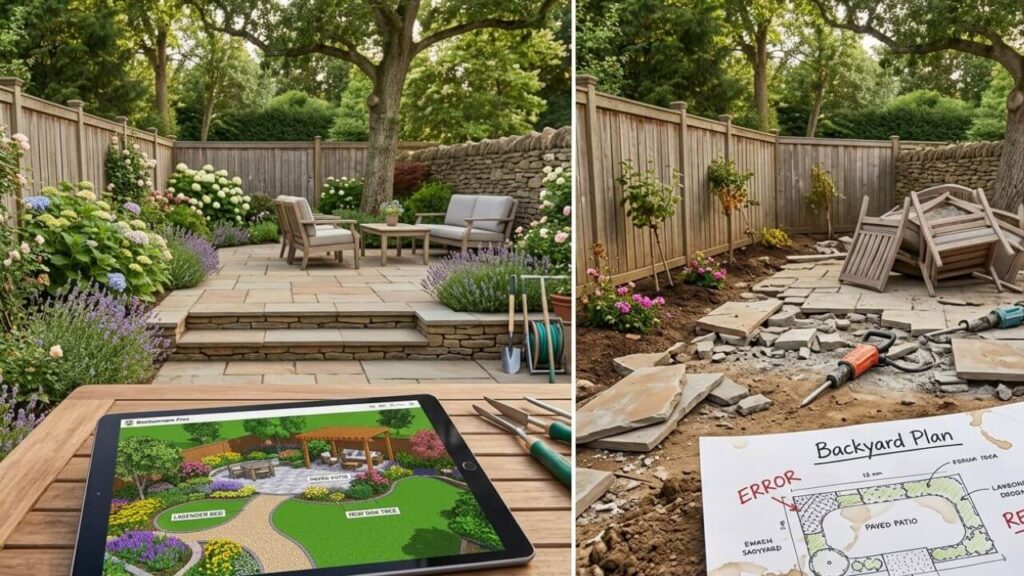
A patio that needs rebuilding costs far more than the time spent planning.
An oversized garden bed creates years of maintenance.
A badly placed tree becomes expensive quickly.
Good planning prevents these problems before they happen.
Frequently Asked Questions
What is the best free landscape design software for beginners?
Beginner-friendly tools with drag-and-drop layouts and simple interfaces work best for most homeowners.
Can free software design an entire backyard?
Yes.
Many homeowners complete full backyard designs without spending money on software.
Is 3D landscape software necessary?
Not always.
Simple planting projects work well in 2D.
Patios and outdoor living areas benefit greatly from 3D visualization.
Can landscape software estimate costs?
Some programs provide rough estimates, but local labor and material prices vary too much for perfect accuracy.
Is landscape software worth learning for small projects?
For small planting beds, maybe not.
For patios and larger projects, the answer is almost always yes.
Do professionals use free landscape software?
Some professionals use free tools for concepts and rough layouts before moving into advanced software.
Can software choose plants for my climate?
Some programs help, but local extension offices and regional plant guides remain valuable resources.
Final Thoughts
The biggest lesson I learned was simple.
The best free landscape design software is not the one with the most features.
It is the one that helps you avoid expensive mistakes before construction starts.
If you are planning a major backyard project, spend a few evenings experimenting with different tools before buying materials.
You will probably change the design several times.
That is not failure.
That is exactly what good planning software is supposed to help you do.

I enjoy sharing simple gardening ideas, lawn care tips, and honest product reviews that help make outdoor work easier. From home gardening guides to helpful tools and lawn care advice, I write easy-to-follow content to help readers create a healthier and better-looking outdoor space without wasting time or money.